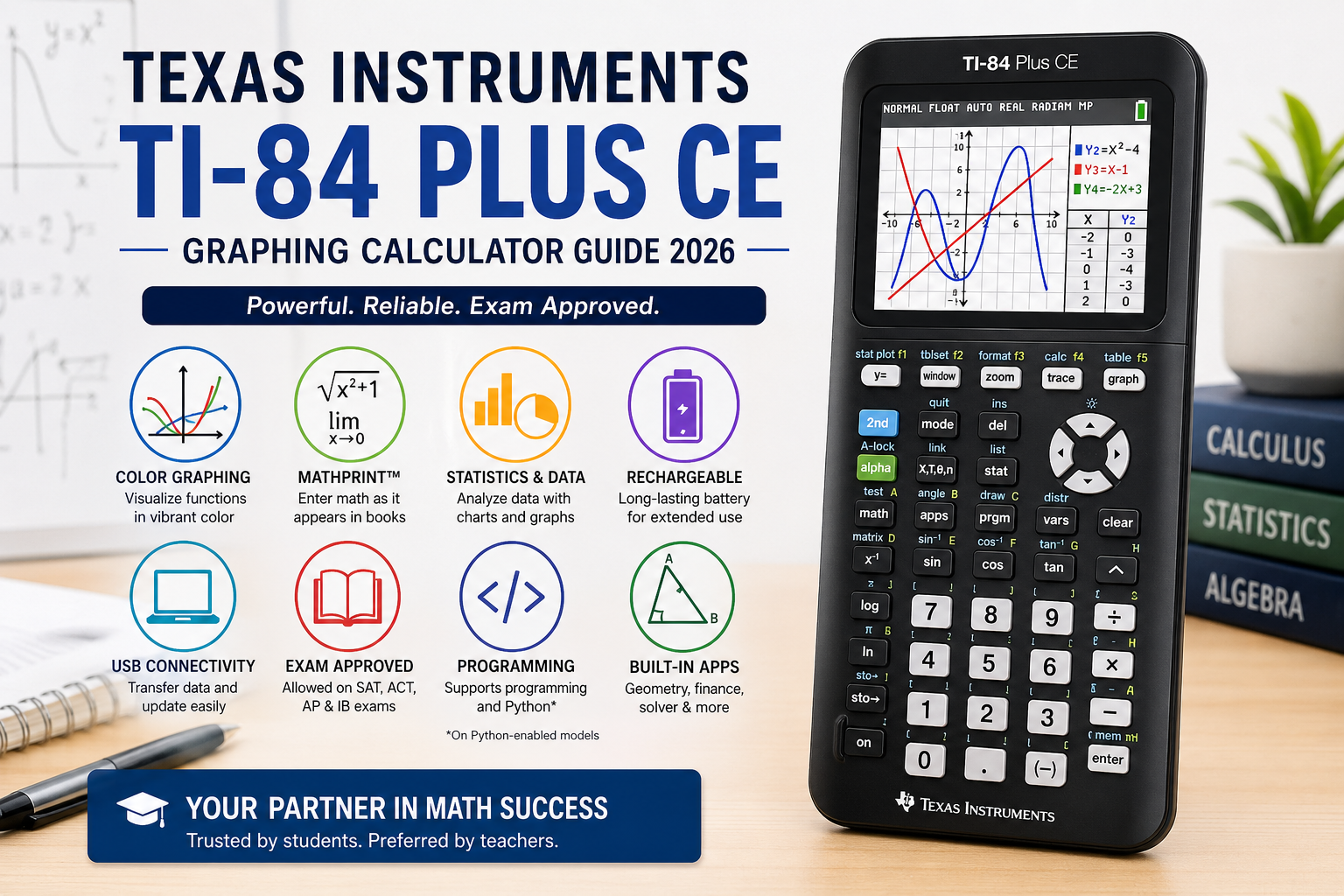
The Texas Instruments TI-84 Plus CE graphing calculator is one of the most popular tools for students in high school and college. It helps in solving math problems, drawing graphs, and understanding complex equations in a simple way. Many schools around the world still recommend this calculator for subjects like algebra, calculus, statistics, and physics.
This calculator is known for being easy to use, durable, and powerful for learning. It is also approved for major exams like SAT, ACT, and AP tests, which makes it a trusted choice for students. In this article, we will explore its features, uses, benefits, and why it remains important in modern education.
Texas Instruments TI-84 Plus CE Overview and Design
The Texas Instruments TI-84 Plus CE graphing calculator has a modern design that is thinner and lighter than older models. It comes with a full-color backlit screen that makes graphs and data easier to read. The display helps students clearly see different functions using colors, which improves understanding of math concepts.
This calculator also includes a rechargeable battery, which is very useful for long study sessions and exams. Students do not need to worry about changing batteries often. According to official product details, it is about 30% thinner than previous TI-84 models and designed for easy handling in classrooms.
The TI-84 Plus CE is built for long-term use. It is strong enough to handle daily school use and comes with exam-approved features. This makes it a reliable choice for both students and teachers who want a simple but powerful math tool.
Features of Texas Instruments TI-84 Plus CE
The Texas Instruments TI-84 Plus CE graphing calculator offers many useful features that help students in different subjects. It is not just a calculator; it is a full learning tool for math and science.
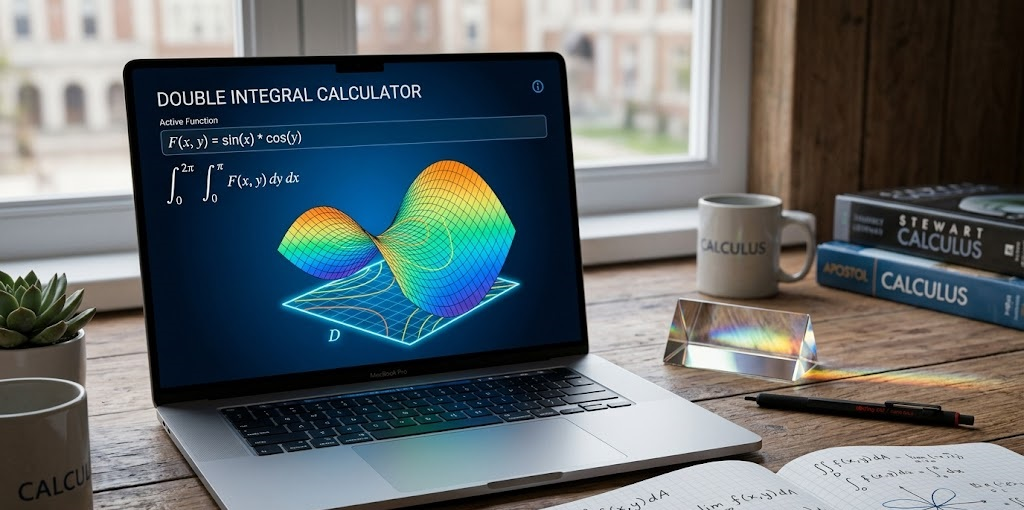
One of its main features is graphing functions in color, which makes it easier to understand equations visually. Students can plot multiple graphs at the same time and compare results. It also supports split-screen mode, where users can see graphs and tables together.
Another important feature is MathPrint™ technology, which allows users to enter math expressions exactly as they appear in textbooks. This reduces confusion and helps students learn faster.
The calculator also supports advanced functions like statistics, matrices, and probability simulations. It even includes built-in apps for geometry and data analysis. These features make it useful for subjects like algebra, calculus, physics, and engineering.
Educational Uses of Texas Instruments TI-84 Plus CE
The Texas Instruments TI-84 Plus CE graphing calculator is widely used in education because it simplifies difficult math topics. Students use it to solve equations, draw graphs, and understand how numbers behave in real time.
In algebra, it helps solve linear and quadratic equations. In calculus, it is used for graphing derivatives and understanding functions. In statistics, students can analyze data, create charts, and study probability distributions.
Teachers also use this calculator in classrooms to explain complex topics visually. Instead of only writing on a board, they can show graphs and changes instantly. This makes learning more interactive and interesting.
Many students find math less stressful when using this calculator because it reduces manual calculation errors. It also helps in building confidence during exams and homework.
Exam Approval and Academic Importance
The Texas Instruments TI-84 Plus CE graphing calculator is approved for many major exams. It is allowed in SAT, ACT, AP, and IB exams, which makes it very important for students preparing for higher education.
Exam boards allow this calculator because it does not include a computer algebra system (CAS), which means it cannot fully solve symbolic math problems. Instead, it helps students show their work and understand steps, which is important in exams.
Because of this approval, many schools recommend it as the standard calculator for math classes. Students who learn using this calculator are already familiar with it when they take exams, which reduces stress.
Its long-term compatibility with academic requirements makes it a smart investment for students who plan to study advanced math or science subjects.
Technical Specifications of Texas Instruments TI-84 Plus CE
The Texas Instruments TI-84 Plus CE graphing calculator comes with strong technical features that support smooth performance.
It has 3MB of flash memory for storing apps and data. The screen resolution is 320 x 240 pixels, which provides clear visuals. The rechargeable battery ensures long usage without frequent charging.
It also supports USB connectivity, allowing students to connect it to a computer for updates and data transfer. The calculator can store multiple functions, graphs, and statistical models at the same time.
Below is a simple table of key specifications:
| Feature | Details |
| Display | Color, backlit screen |
| Resolution | 320 x 240 pixels |
| Memory | 3MB flash memory |
| Battery | Rechargeable lithium battery |
| Connectivity | USB support |
| Weight | Lightweight and portable |
These specifications make it efficient for both classroom and exam use.
Benefits of Texas Instruments TI-84 Plus CE
The Texas Instruments TI-84 Plus CE graphing calculator provides many benefits for students and teachers. It improves learning speed and helps users understand math concepts visually.
One major benefit is better understanding of graphs and equations. Students can see how changes in numbers affect graphs in real time. This helps them learn faster and remember concepts easily.
Another benefit is time-saving during exams and homework. Instead of solving long calculations manually, students can quickly check answers and focus on understanding.
It also supports interactive learning, which makes math more engaging. Students can explore functions, test ideas, and learn through practice.
Overall, it builds strong math skills and prepares students for advanced studies in science, engineering, and technology fields.
Limitations of Texas Instruments TI-84 Plus CE
Even though the Texas Instruments TI-84 Plus CE graphing calculator is very powerful, it has some limitations. It does not include a full computer algebra system, so it cannot simplify all symbolic expressions.
Some users also feel that the interface looks old compared to modern apps and software. While it is very reliable, it may not feel as advanced as online tools like graphing software.
Another limitation is cost. It is more expensive than basic calculators, which can be difficult for some students.
However, despite these limitations, it is still widely used because of its reliability and exam approval.
Why Students Still Choose Texas Instruments TI-84 Plus CE
Even with modern apps available, the Texas Instruments TI-84 Plus CE graphing calculator remains popular. The main reason is its exam approval and reliability.
Students trust it because it works without internet, distractions, or technical issues. Unlike apps, it is always available during exams and classroom use.
Teachers also prefer it because it provides consistent results and supports structured learning. It has been used for many years, so both students and teachers are familiar with it.
This combination of trust, simplicity, and power keeps it relevant even in 2026.
FAQs about Texas Instruments TI-84 Plus CE
What is the Texas Instruments TI-84 Plus CE used for?
It is used for solving math problems, drawing graphs, and analyzing data in subjects like algebra, calculus, and statistics.
Is the TI-84 Plus CE allowed in exams?
Yes, it is approved for SAT, ACT, AP, and IB exams.
Does the TI-84 Plus CE have a rechargeable battery?
Yes, it comes with a built-in rechargeable battery for long use.
Can it be used for programming?
Yes, it supports basic programming and Python in some versions.
Is the TI-84 Plus CE good for college students?
Yes, it is widely used in college-level math and science courses.
Conclusion
The Texas Instruments TI-84 Plus CE graphing calculator is a trusted and powerful tool for students. It helps simplify math, improve learning, and support exam preparation. With its clear display, strong features, and exam approval, it remains one of the best choices for education.
Whether you are in high school or college, this calculator can make math easier, faster, and more understandable.